

As Easy as One, Two, Three.
Finding a way through a sea of education options can seem intimidating, but we keep it simple. In a few short steps families input their interests and information, then explore results and recommendations tailored specifically to their student.
1.
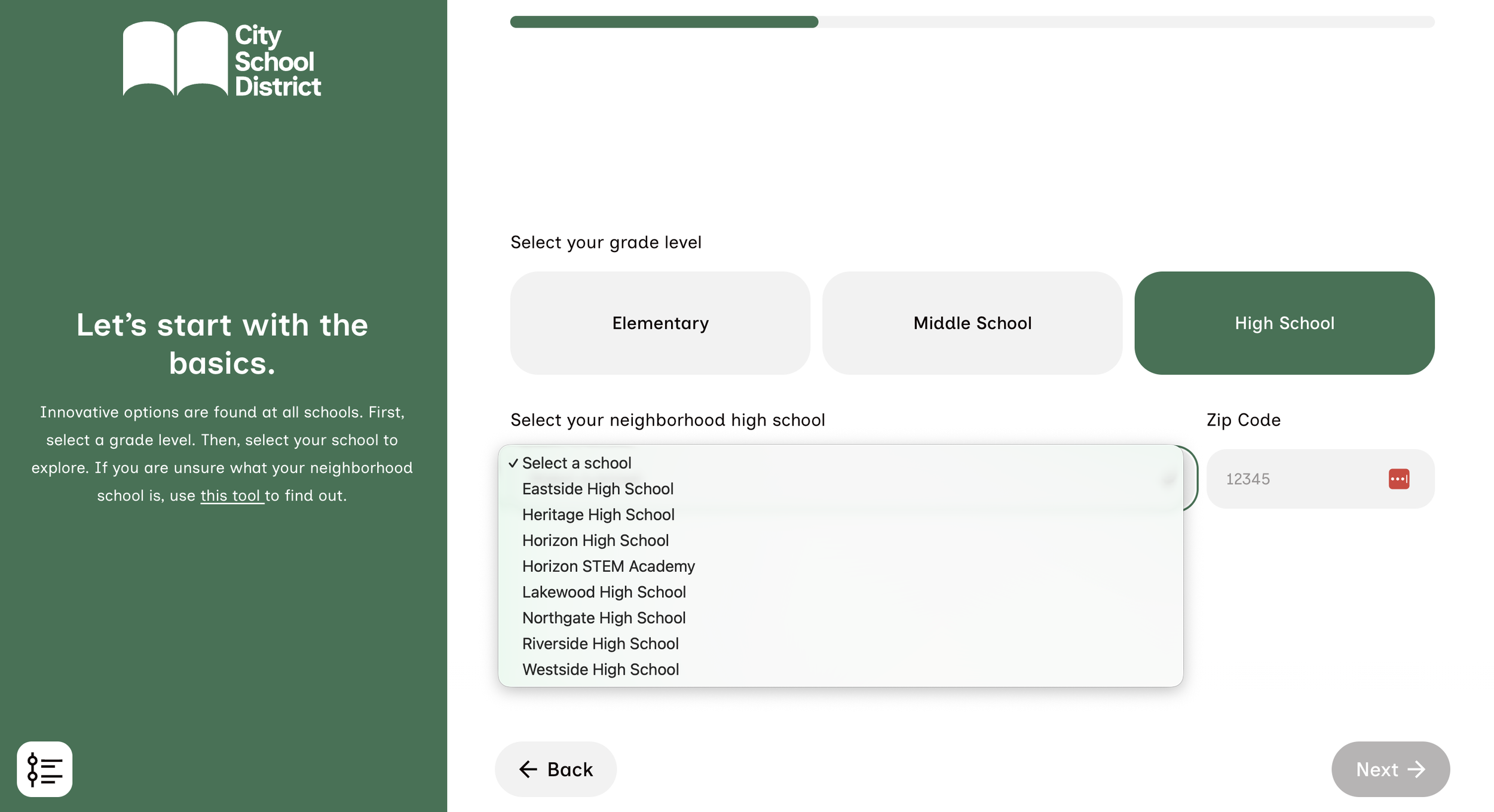
Enter Your School & Grade Level
Families begin their experience by selecting their neighborhood school and grade. Results will then be filtered to options available at that school. The zip code entry also equips districts with the analytics to understand how different neighborhoods are exploring their programs.
2.
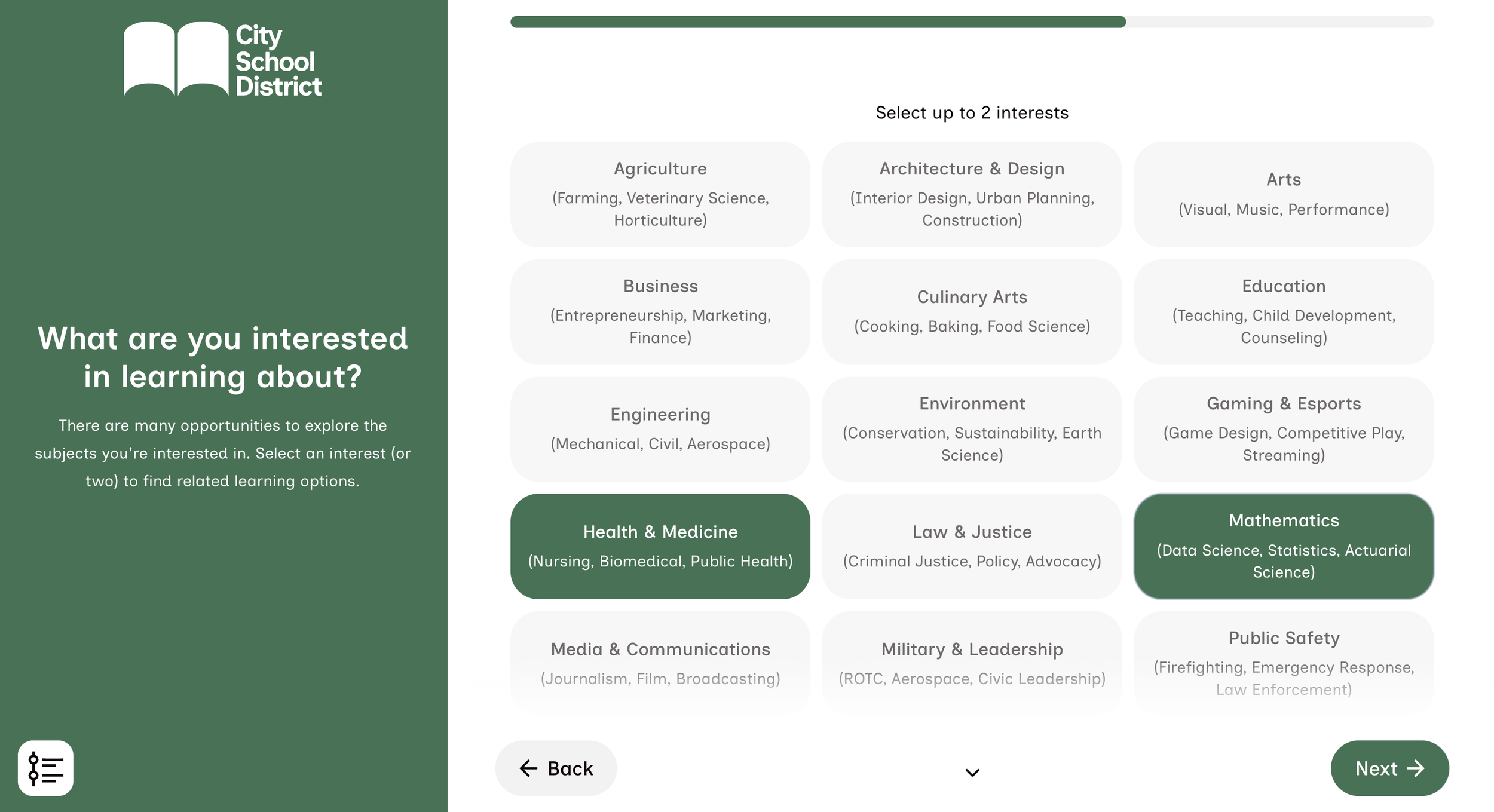
Pick Your Interests
Next, families select their students’ subjects of interest. This selection enables interest-specific categories to connect families with the right options for them. Selecting up to two keeps selections focused and the process streamlined. There is always the option to go back and modify selections if the need arises.
3.
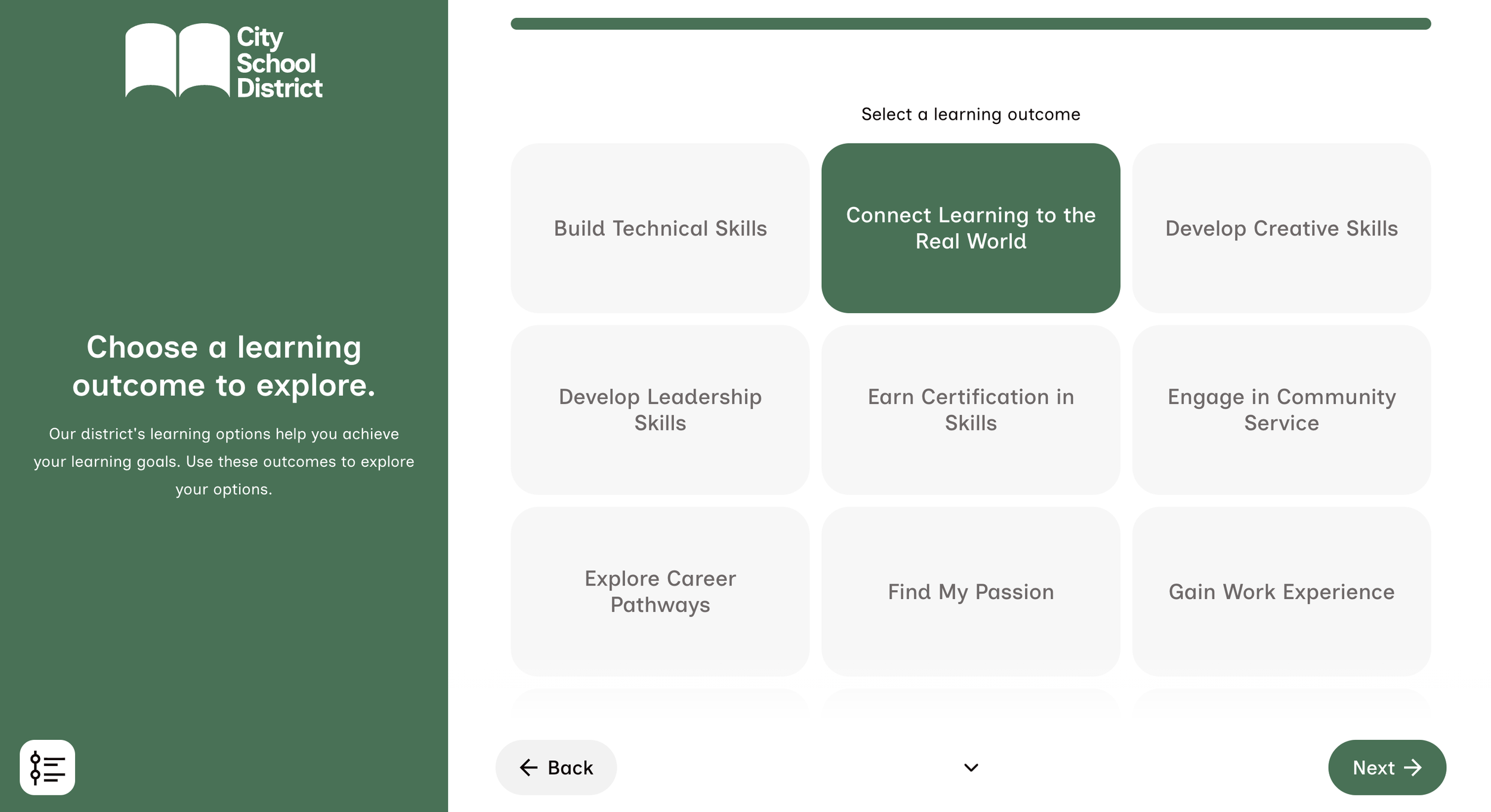
Set Your Goals
Horizon puts the education needs and goals of families first. These selections allow families to find and compare the options that help accelerate their students' learning outcomes, and ensures their path matches their real-life vision.
4.
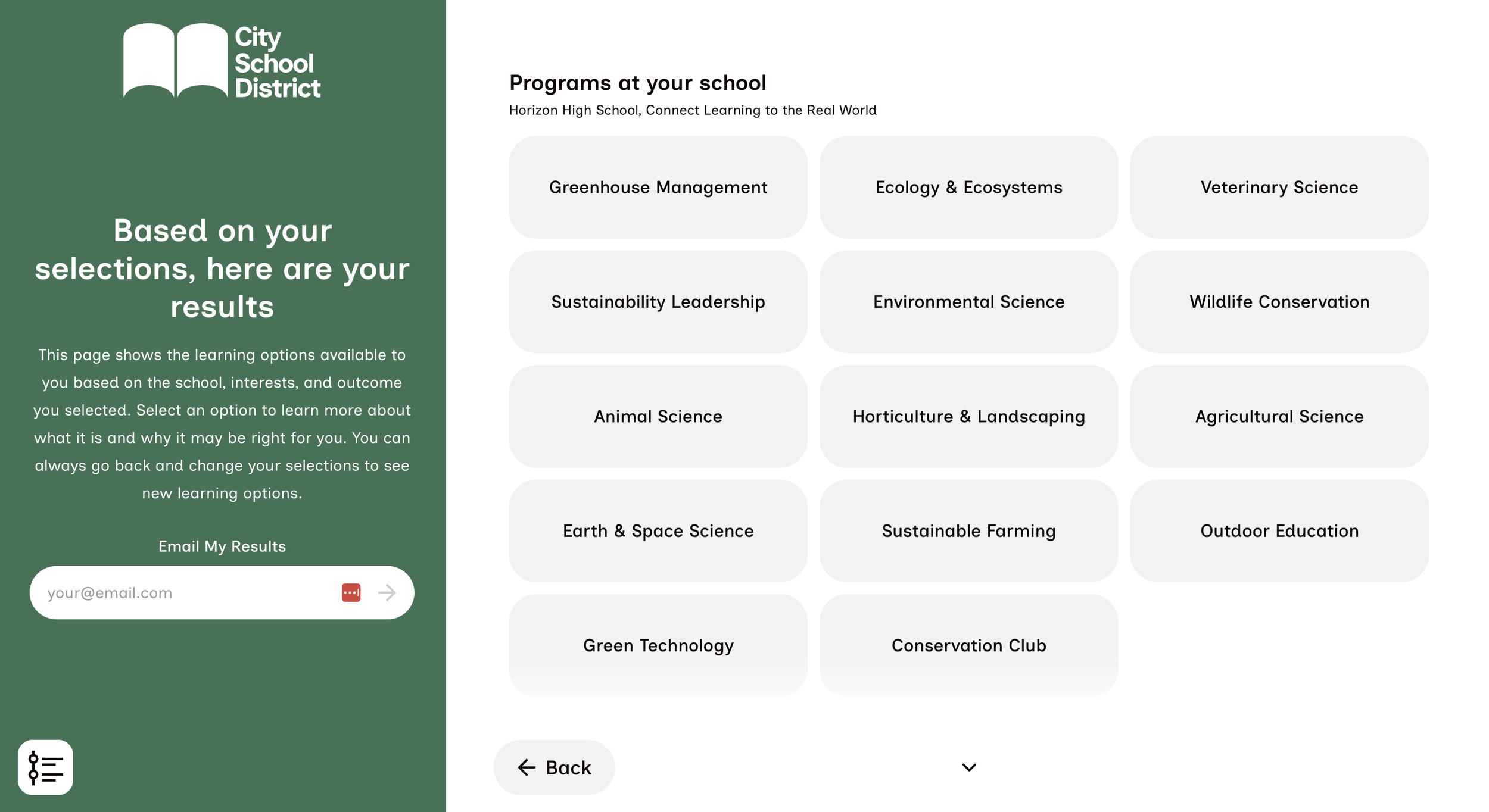
See Your Results
The Results Page shows families a comprehensive overview of the options available to them based on the selections they've made. Options can be categorized by interests, or by program type. The categories that appear are customized by the district admin based on their offerings.
5.
Explore Your Program
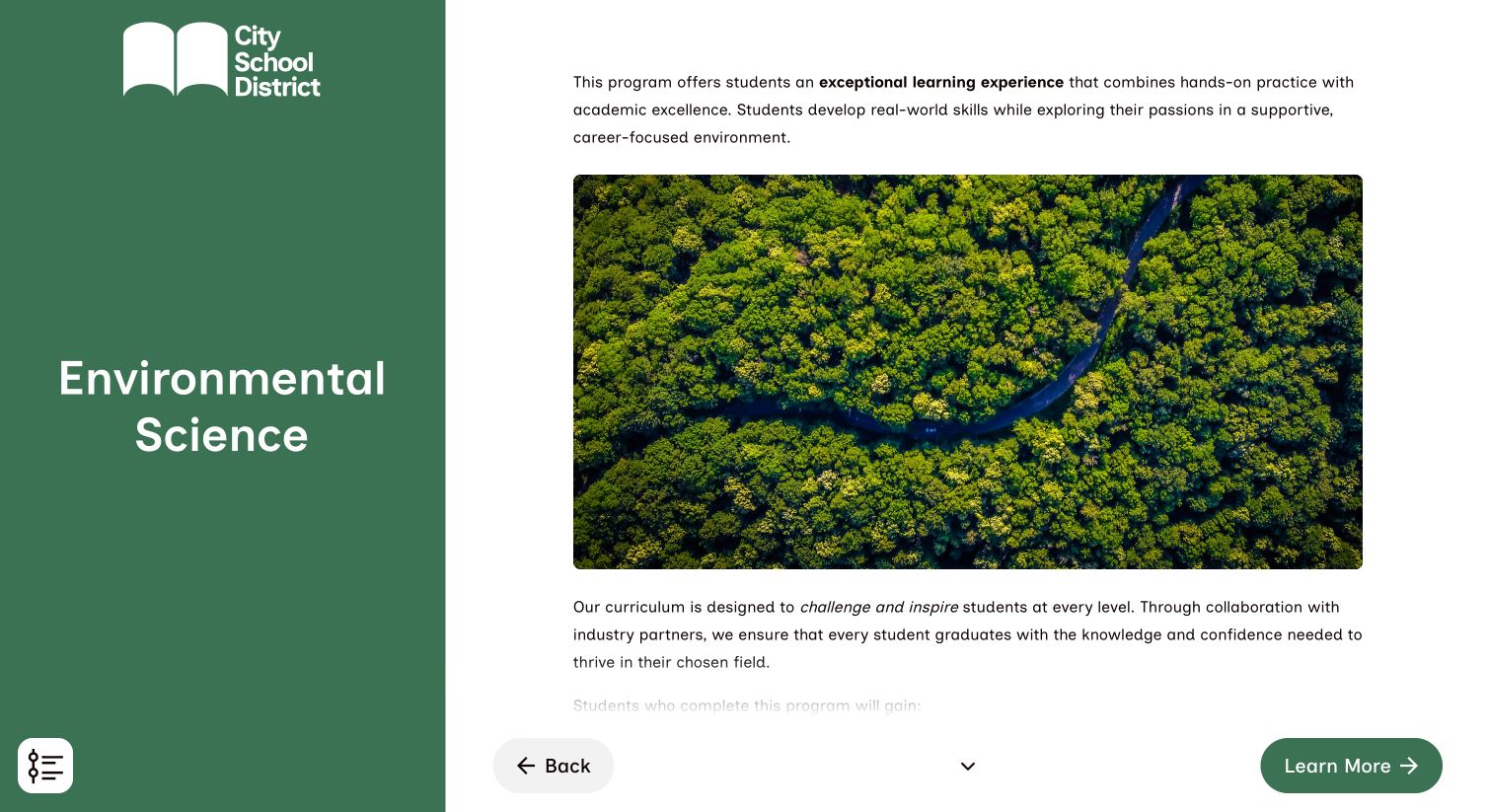
Each program then helps students and families to learn more about its content and curriculum, and why it may be right for them. These pages includes functionality for both photo and video additions, and allow for custom links to the corresponding page on the district website for more in-depth information, keeping the work of updating Horizon minimal.
Request a Demo
Get in touch to begin exploring the demo and get pricing information.